Next Level Editing University
Learn To Edit Like a Pro and Create Videos You Are Proud Of
 Trusted by hundreds of creatives
Brands I have worked with






Follow A Step-By-Step Roadmap Instead Of Watching Random Tutorials
- Start every project with clarity
- Know exactly what to do next
- Finish your projects and build a portfolio

Random Tutorials
- One-off effects with no context
- No clear path or structure
- Easily get stuck or frustrated
- Takes 10x longer to learn
- Easy to lose motivation and give up
- You are on your own
Our Method
- Real skills that build on each other
- Step-by-step roadmap to improve fast
- Learn with support & simple explanations
- Learn fast with a proven system
- Stay inspired with real progress and results
- You get help, every step of the way
What You Will Learn Inside The University
Module 1
Editing foundations
Set up your editing workflow the right way, so you save time, avoid confusion, and build strong habits from day one.
- Organize your footage with pro folder structures.
- Understand file types, settings, and how to start your project the right way.
- Speed up your workflow with proxies and custom layouts.
- Practice your skills and complete your first full project: a cinematic car promo.
- Add your effects, transitions, color grading, and sound design.
- And more...
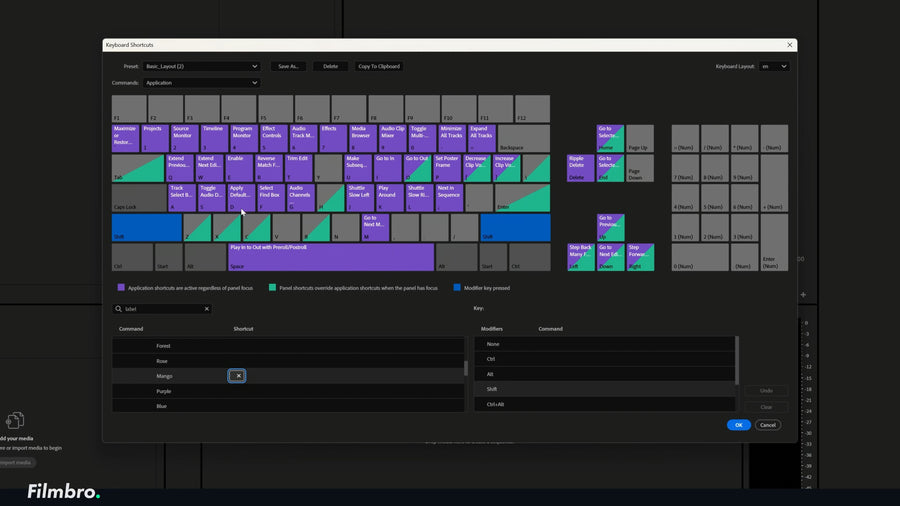
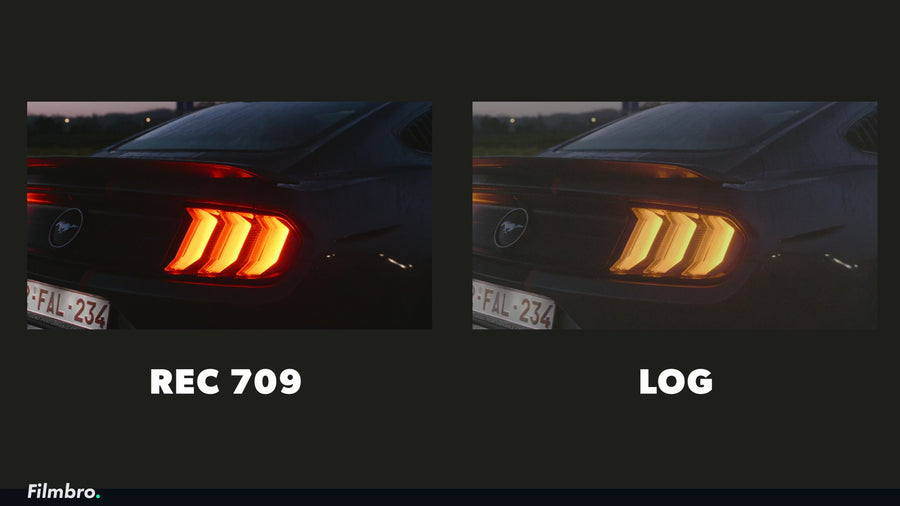
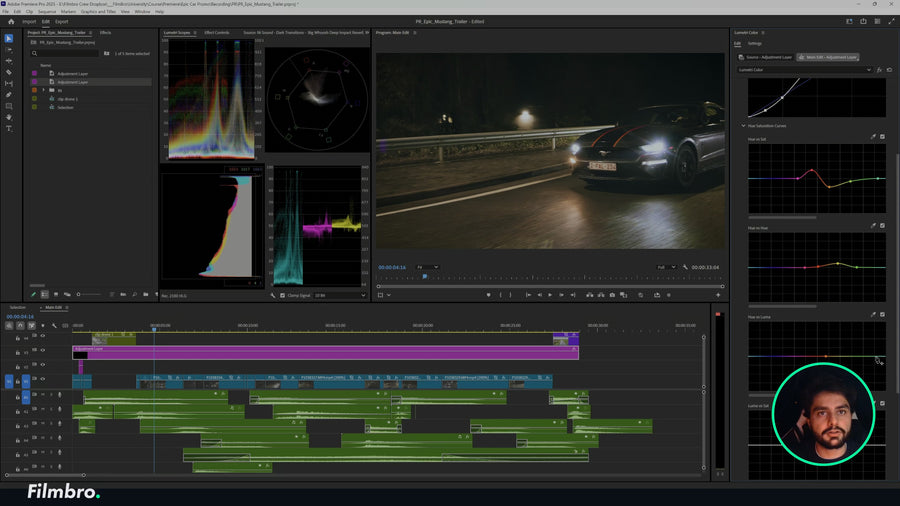
A Sneak Peek Inside Module 1 (26 lessons in total)
Module 2
advanced editing mastery
Take your editing skills to the next level with epic effects and real-world projects that make your videos look cinematic, creative, and truly next level.
- Learn how to use After Effects from start to finish, step by step.
- Add strong transitions like zooms, slams, and smooth motion changes.
- Add epic effects like holograms, eye tracking, rotoscoping, 3D camera tracking and motion blur.
- Use special tricks like fake motion blur and color grading to make everything look better.
- Create viral-style edits, cinematic scenes, and Hollywood-level visuals.
- Add music and sound effects to make your videos feel alive and professional.
- Create and learn from real-life projects like a McDonald’s viral ad from start to finish.
- Learn how to fix mistakes fast with tools like warp stabilization and masking.
And much, much more...
Some of the projects Inside Module 2 (94 lessons in total)
one time payment, no ongoing subscription
One Time Payment
Payment of:
$597
- Lifetime Membership
- Full access to the entire course
- Awesome private community
- Lifetime access & updates
- Answers to all your questions
- Free downloads, templates & more
- Certificate at completion
- And $1000+ in bonuses
30-day money-back guarantee
Student Reviews and Testimonials


Frequently Asked Questions
How does the 30-day Money-Back Guarantee work?
You can try the university for 30 days, 100% risk-free.
I am very confident that you will love this. But if you are not completely satisfied for any reason, you get your money back.
Just send a quick email to hello@filmbro.com and we will give you a full refund. No complicated forms or hidden conditions.
Who is the Next-level editing University for?
The university is right for you if...
- You want to create awesome videos you can be proud of
- You want to learn a new skill that you can use for life
- You want to connect with like-minded creatives from all around the world
Can I be a beginner, or do I need to have some experience?
You don't need any experience to join.
The University is made in different levels, so you can join whether you are a beginner or you already have experience.
What specs does my computer need to have?
You don't need a super fancy computer, if your computer is less than 5 years old, you should be fine.
If you join the University and notice that you can't follow the lessons because your computer is not good enough, we will give you a full refund. That way, you can try it out risk-free, to see if it's right for you.
Which tools do I need?
You need your computer and the software Premiere Pro & After Effects.
Our students get a 60% discount on the Premiere Pro & After Effects subscription.
Both these softwares are also available in the Creative Cloud Bundle from Adobe (which includes Photoshop too).
Will the University stay up-to-date?
Yes, we add new videos to the University every month. So you always have your hands on the newest trends and training videos, to improve your skills and create awesome videos.
What if I need help?
The team and I are here to help you, every step of the way. We do email and chat support and have live-calls to help you when you get stuck or you need help.
We also have an awesome community of like-minded creatives who are ready to help you too. Whether it's with a problem or to work together on a project.
Have another question?
Didn't find the answer to what you are looking for, or you just want to reach out?
Send an email to hello@filmbro.com and I'll answer personally :)
Are You Ready?
Edit like a professional and create videos you are proud of
Trusted by hundreds of creatives